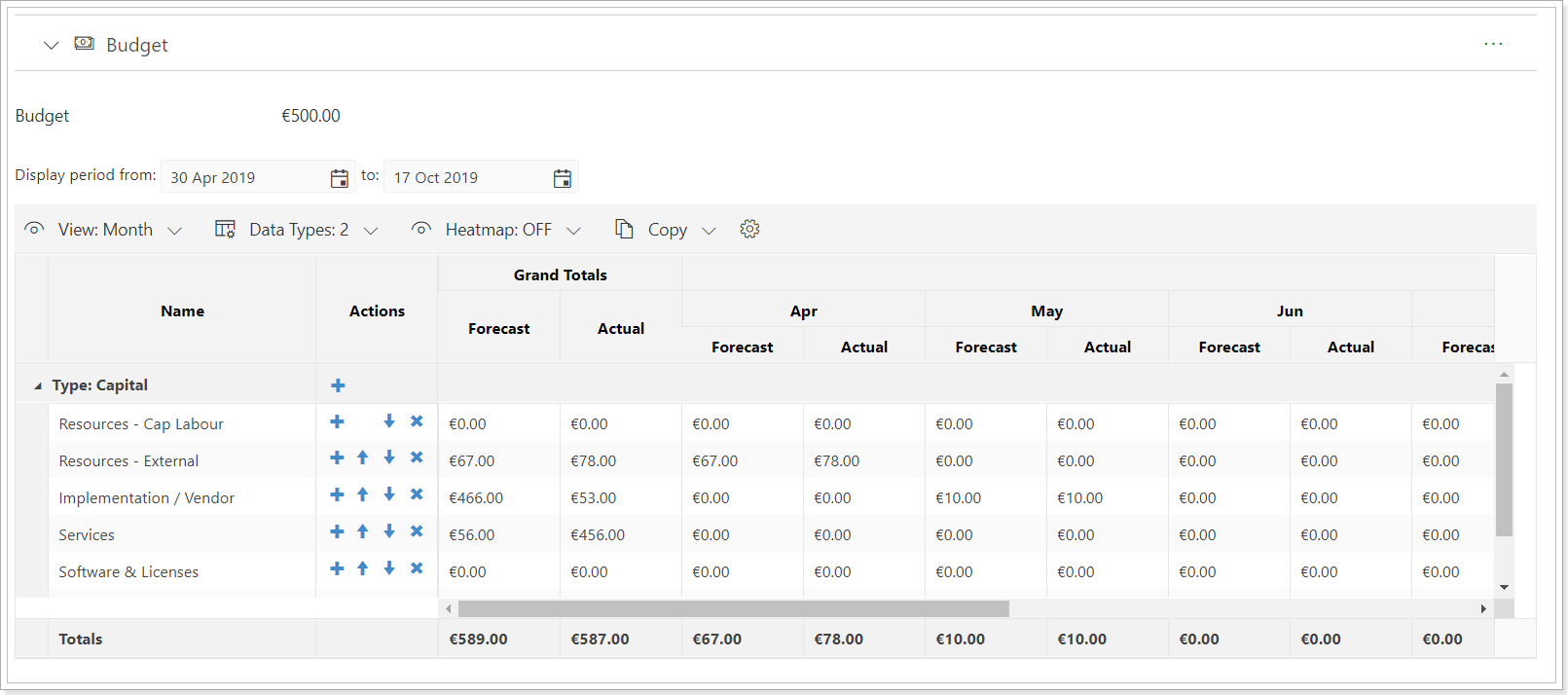
In this article, we will review how to change the currency for the PPM Express tenant.
If the currency is changed, it will be applied to the whole PPM Express tenant and will be set for all budget sections in the Project, Portfolios, and Ideas and for all cost fields within the tenant.
To change the currency for the PPM Express tenant, perform the following:
1. Open the Budget section of any Project, Portfolio, or Idea.
If you do not have a Budget section added to any of the Projects, Programs, Portfolios, or Ideas, open any of these items and add a Budget section via the Configure Sections menu (accessed by clicking the ellipsis button for the selected View). For more details about the views, please refer to this article.

Use the toggle next to Budget to make the section visible in the selected view.

2. Open the settings of the Budget section.
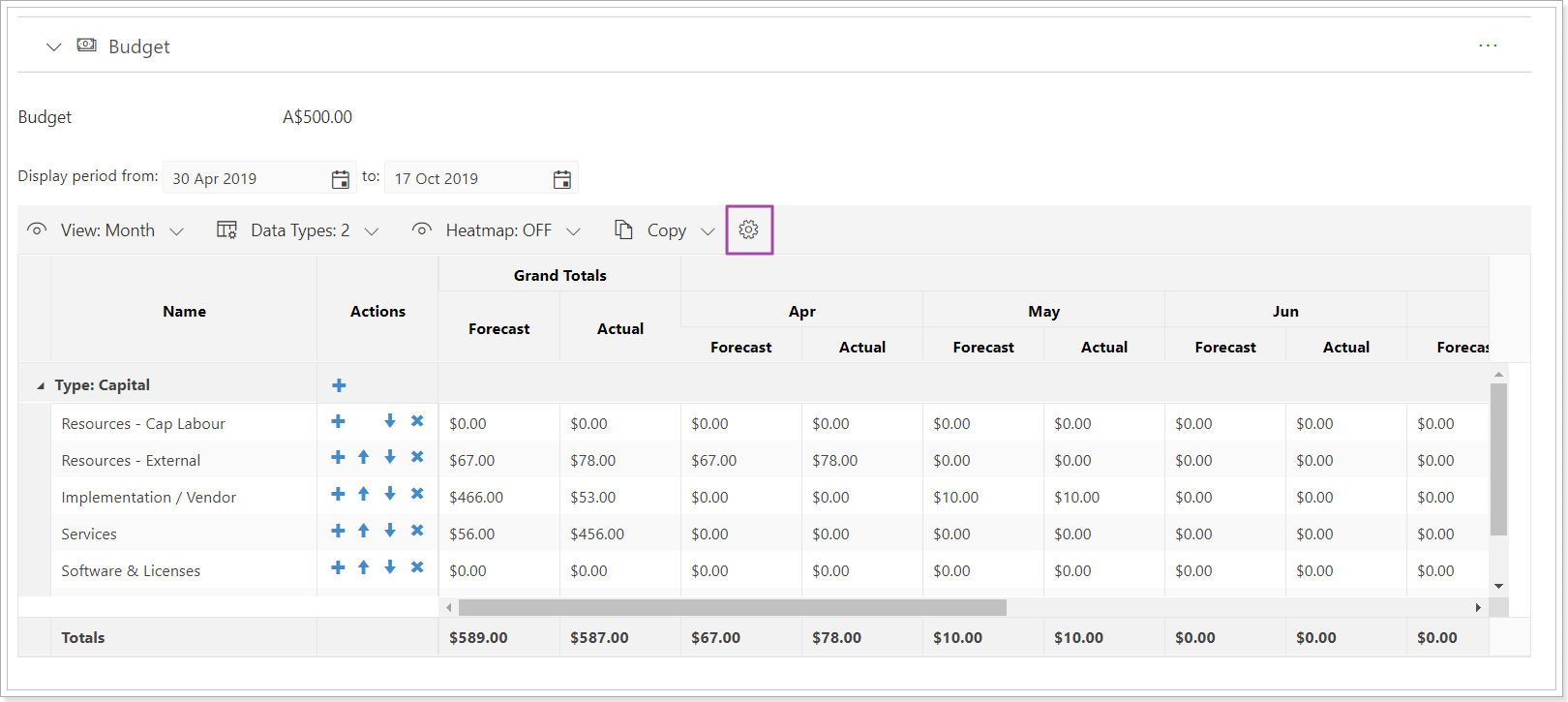
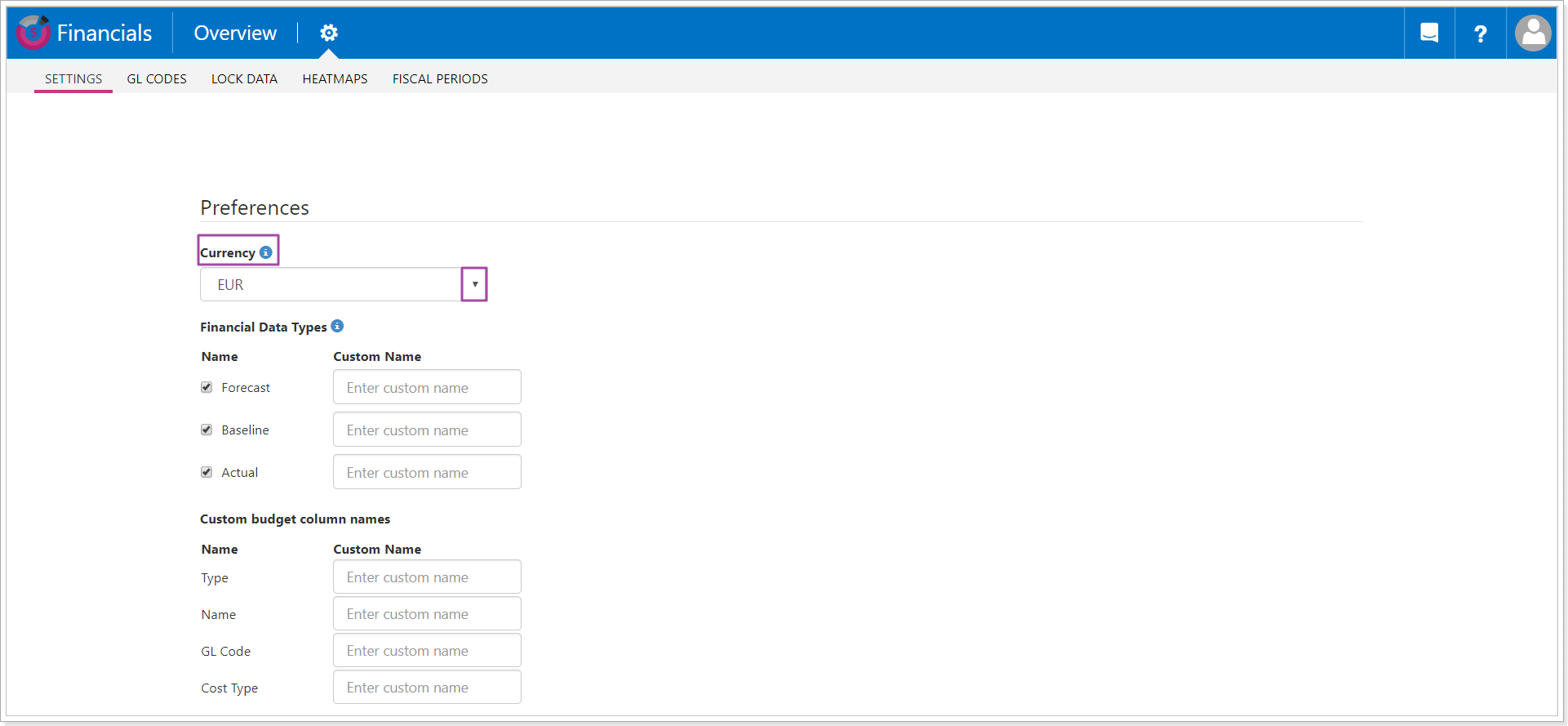
3. The Financials application will be opened in a new window. Financials is a built-in application within PPM Express that allows us to create and manage budgets. All the settings for the budget section are set via the Financials application.
Navigate to the Currency section and select the required currency for your PPM Express tenant from the drop-down.
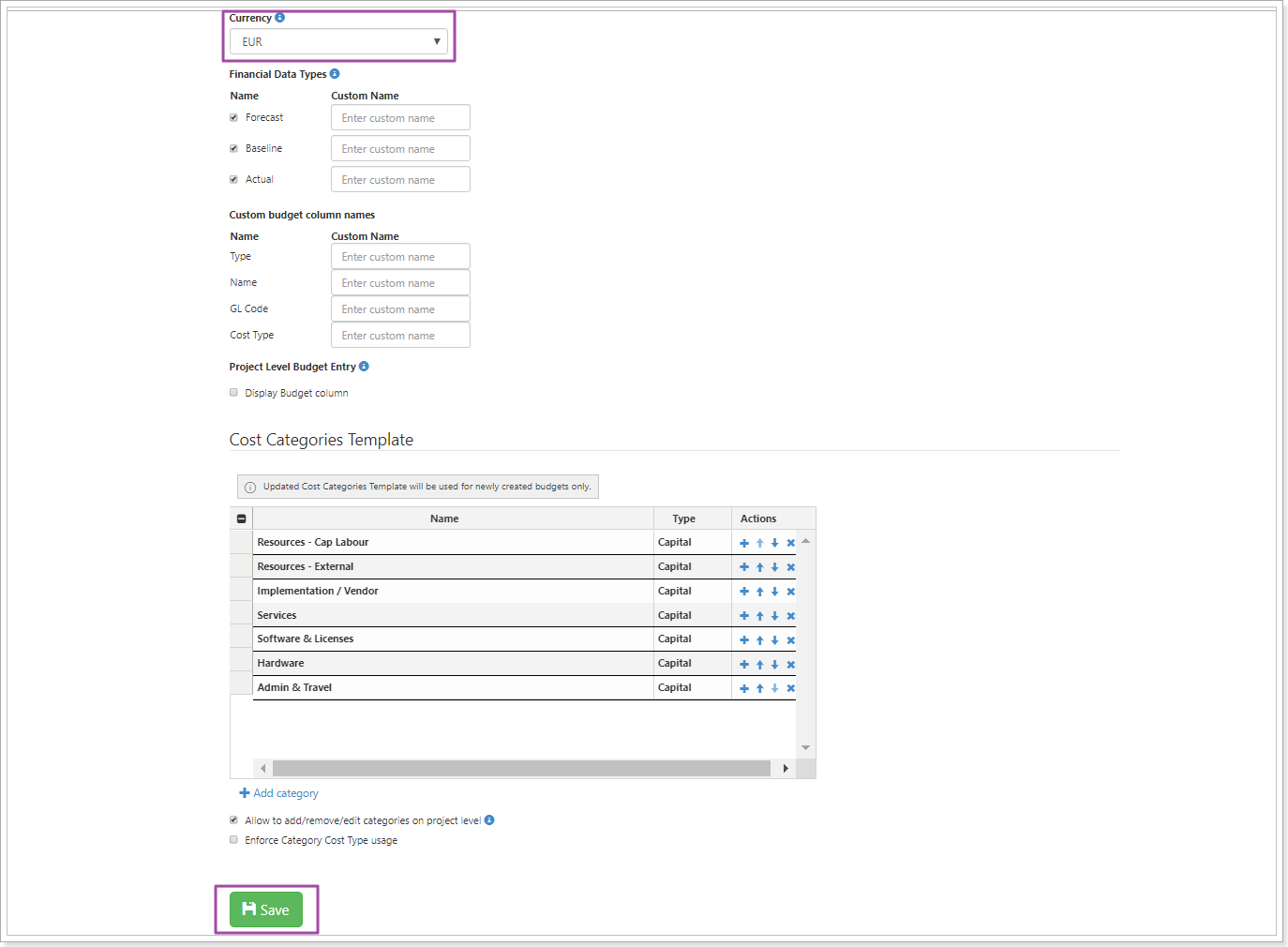
4. Scroll down and click Save to save the changes.
5. Return to the PPM Express page and refresh it to see the changes at once.